Getting Started
Per-sheet walkthrough — L1 Reconciliation Dashboard.
What the sheet shows
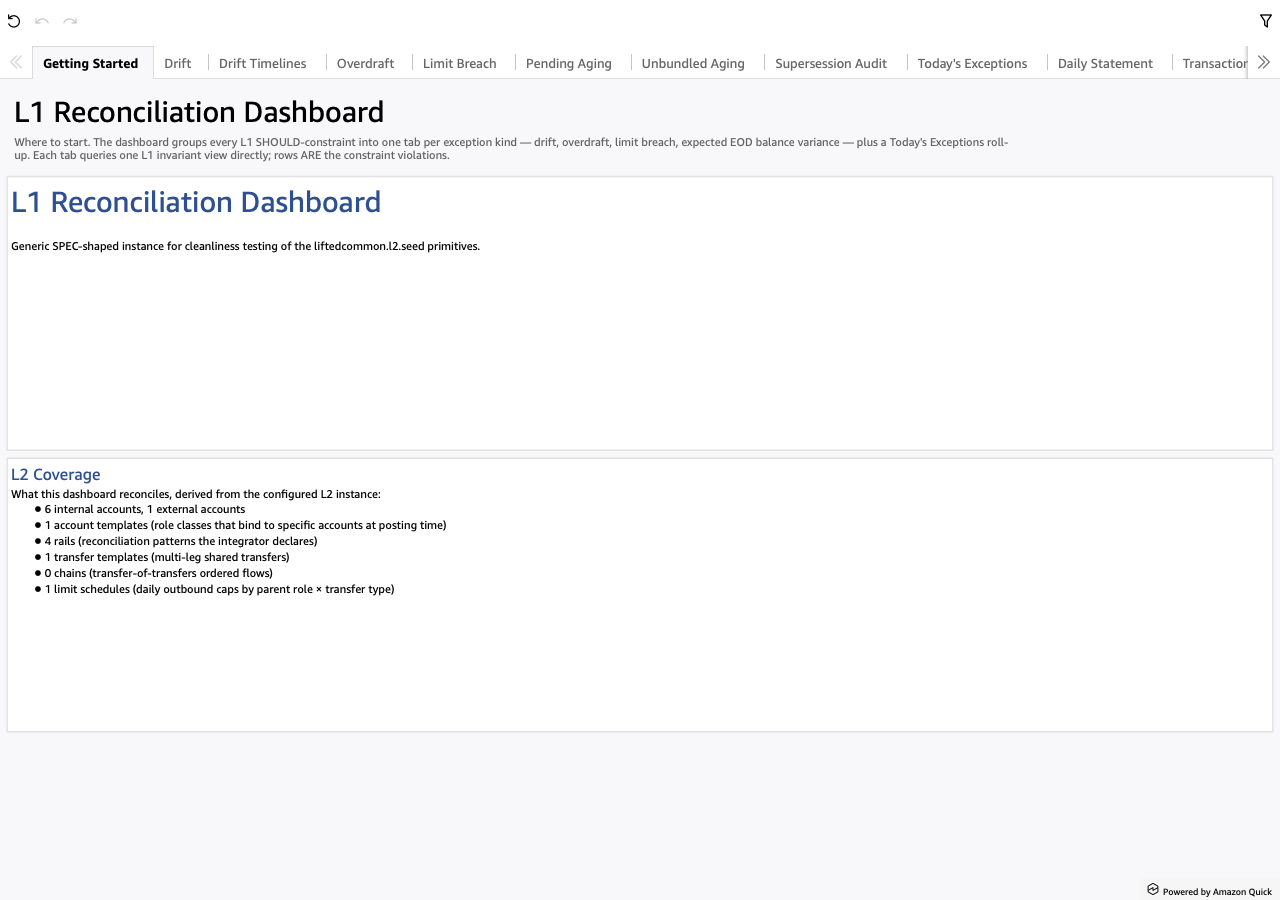
The landing page. Two TextBox blocks:
- Welcome — large heading + the L2 instance's top-level
descriptionfield as the body. Switching the L2 instance switches this prose without a code change. - L2 Coverage — bullet inventory derived from the L2 instance: internal account count, external account count, account templates, rails, transfer templates, chains, limit schedules. Tells the analyst the shape of the institution they're looking at before they tab over to specific exception sheets.
Screenshot
When to use it
First load. Re-open after switching L2 instances or after a major schema change to confirm the dashboard is reading the L2 you expect.
Visuals
- Welcome — TextBox with the L2's institution narrative.
- L2 Coverage — TextBox bullet list pulled from the L2 inventory.
No KPIs, no tables, no drills. The sheet is purely descriptive.
Drills
None. This is the orientation page; the analyst's first click is typically a tab over to Today's Exceptions.